
01
Field tested meigen ai prompts
Five thousand plus entries hand picked from working creators. No filler, no recycled stock photos.
Browse meigen ai prompts a real creator already shipped. Copy any string, translate it, or render your own version inside the page.
Each card is a real prompt a real creator fired on a real engine. Tap to copy, translate, or render yours.
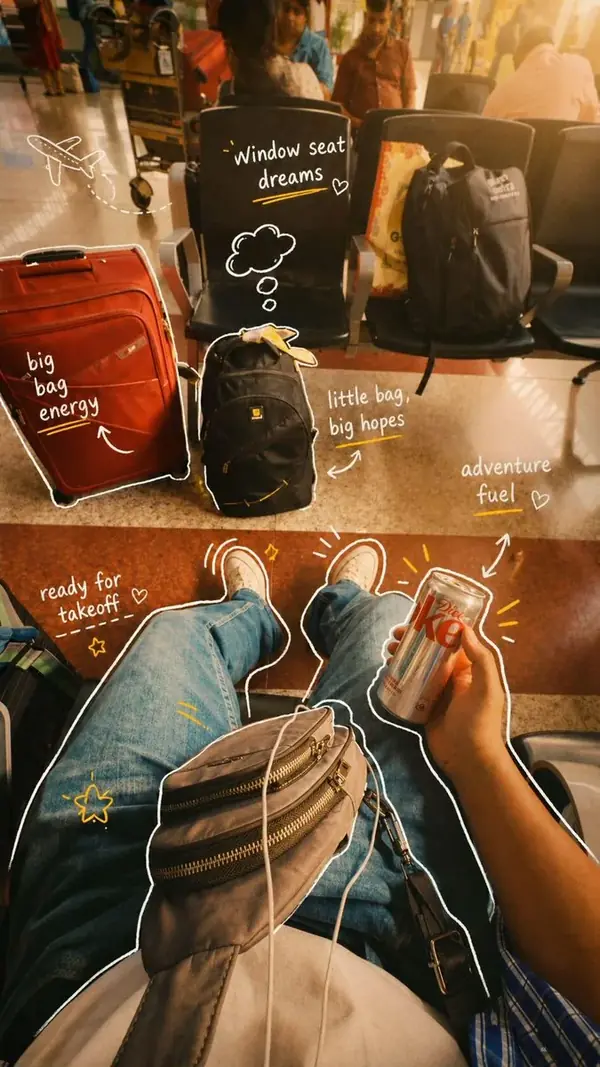
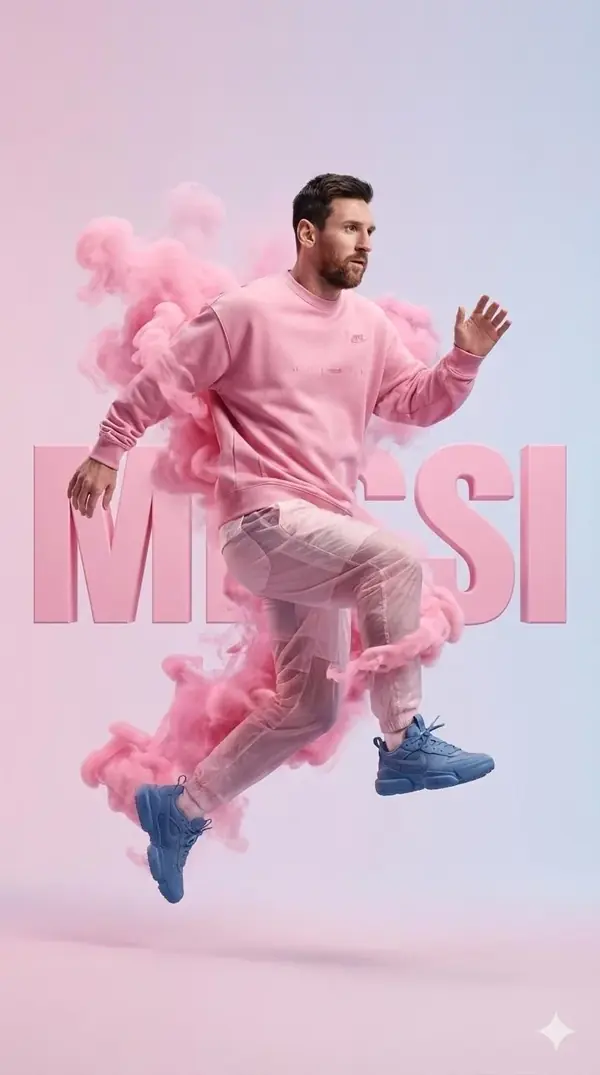

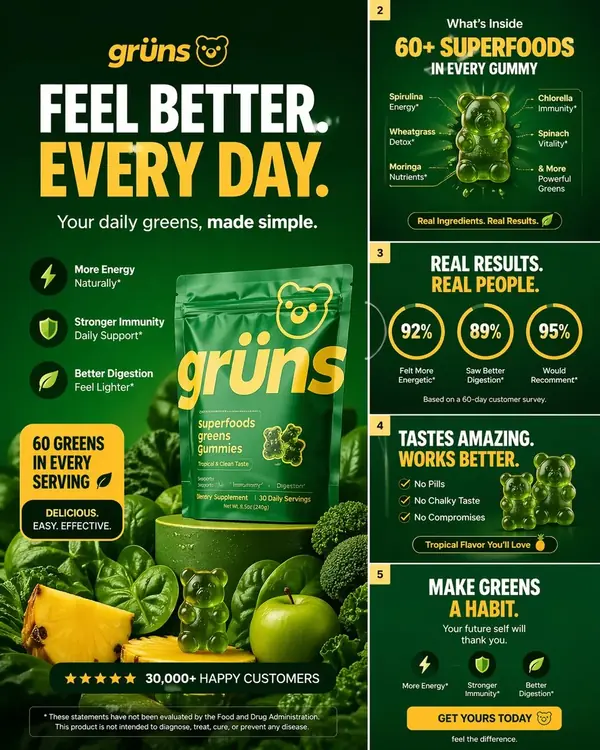


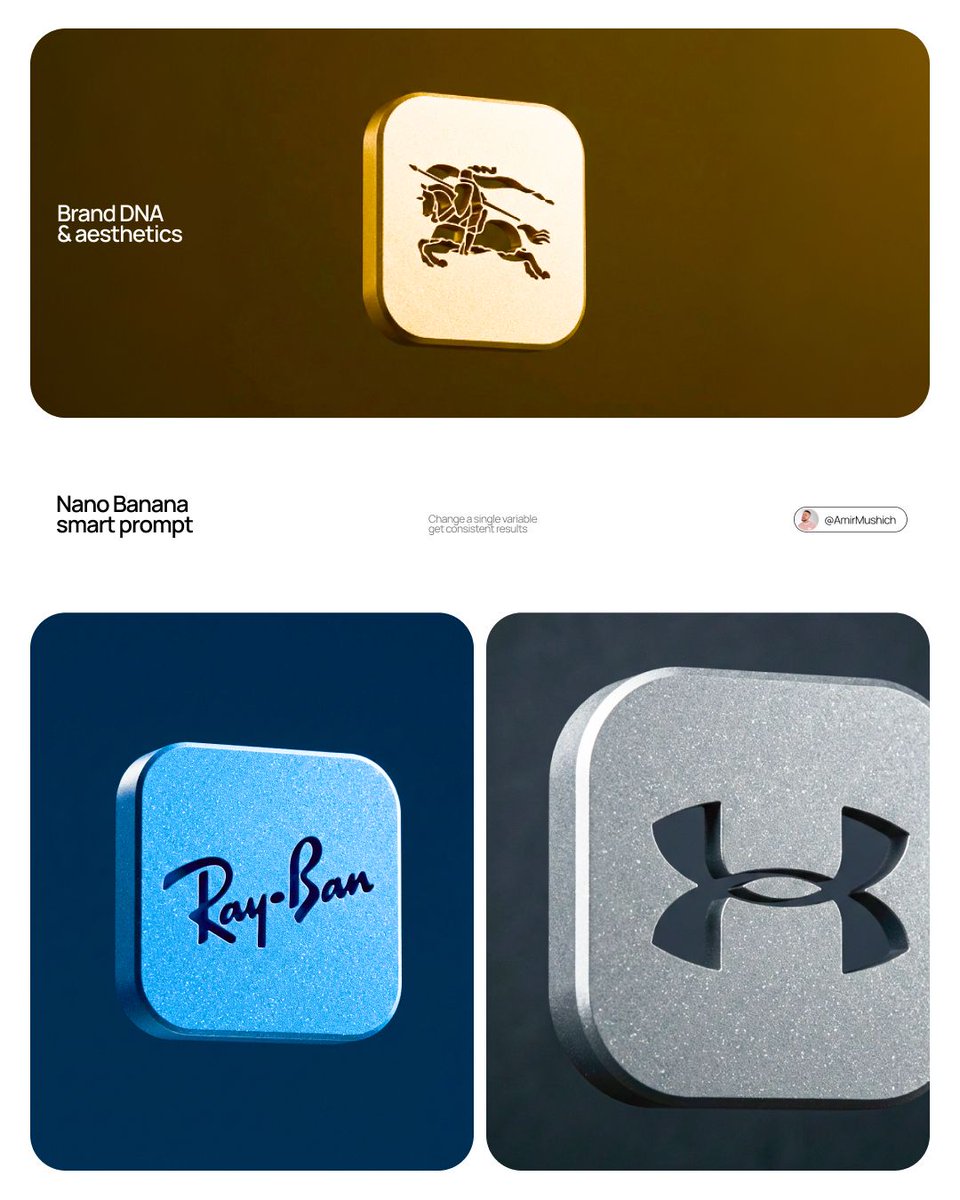
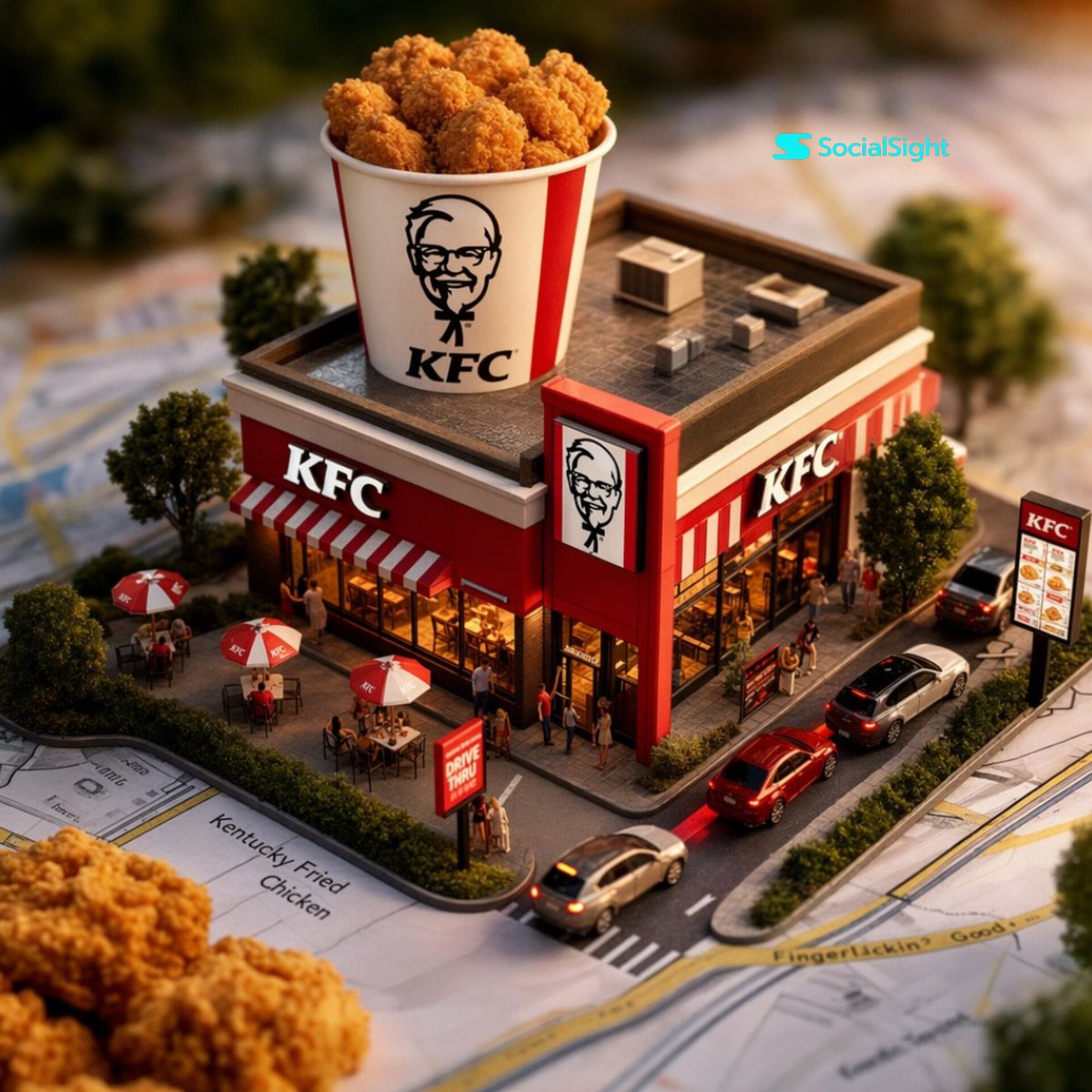
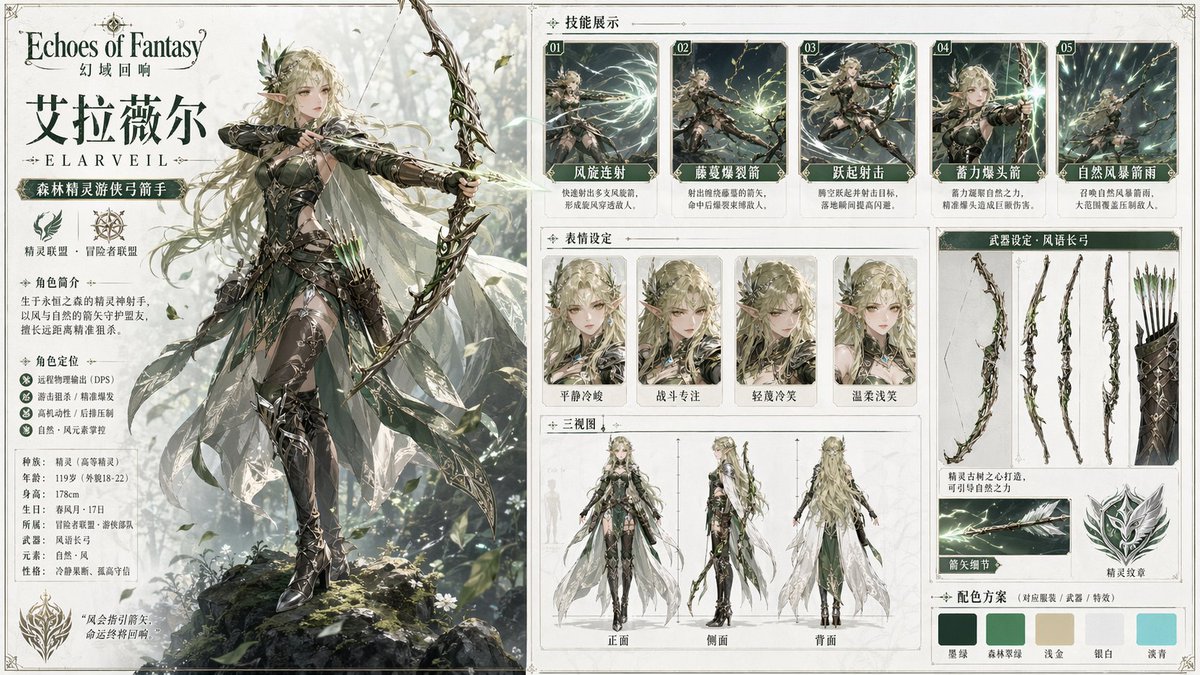
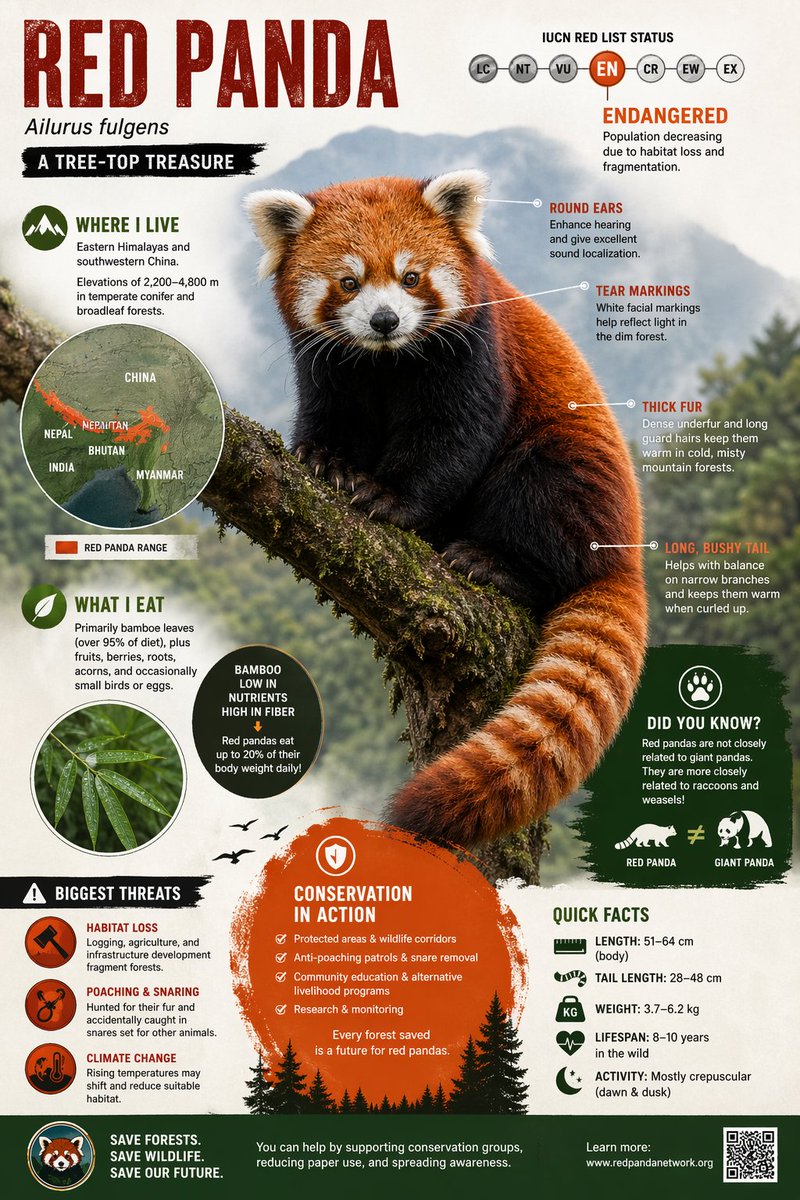
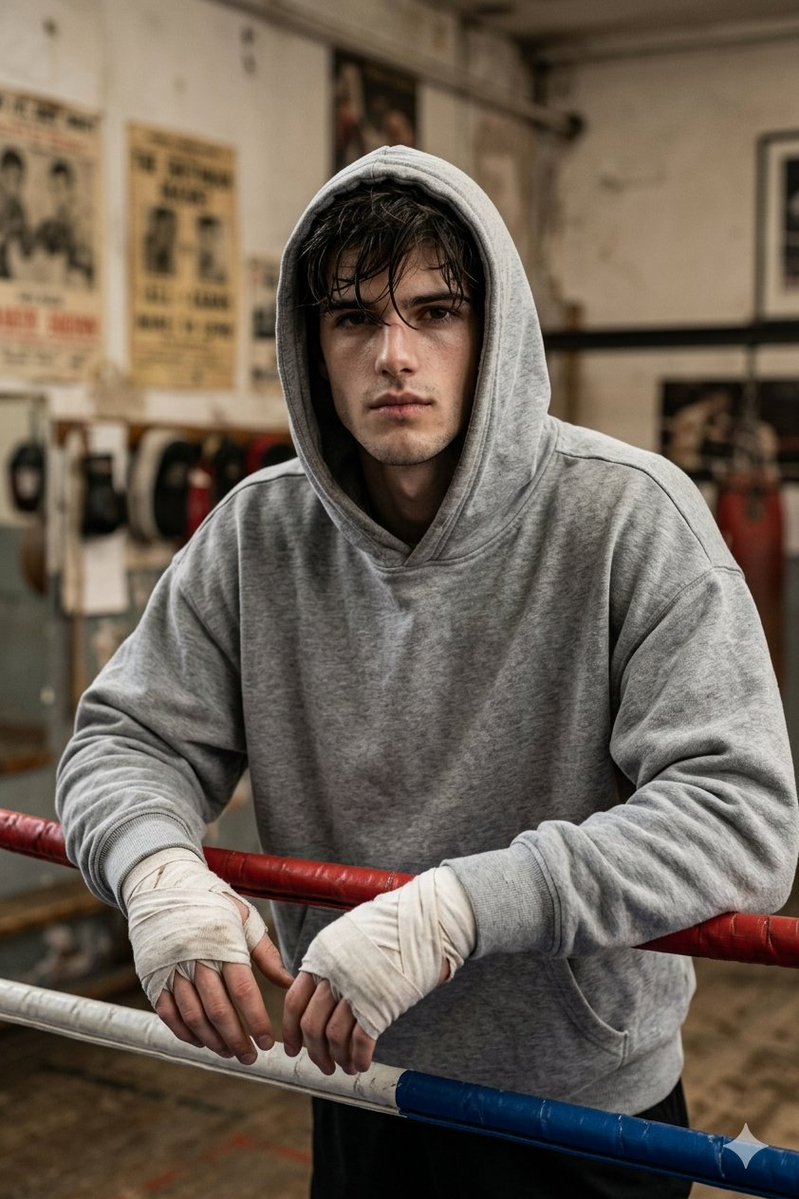
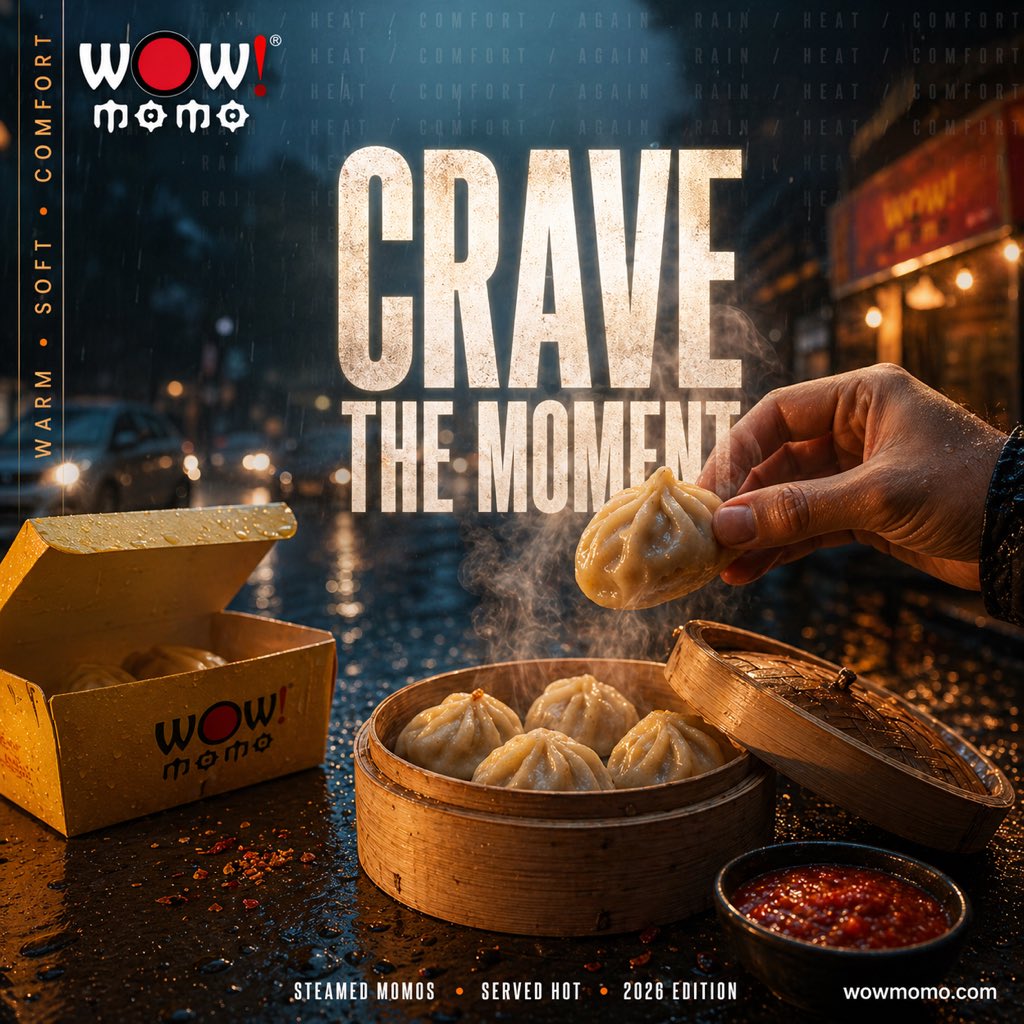
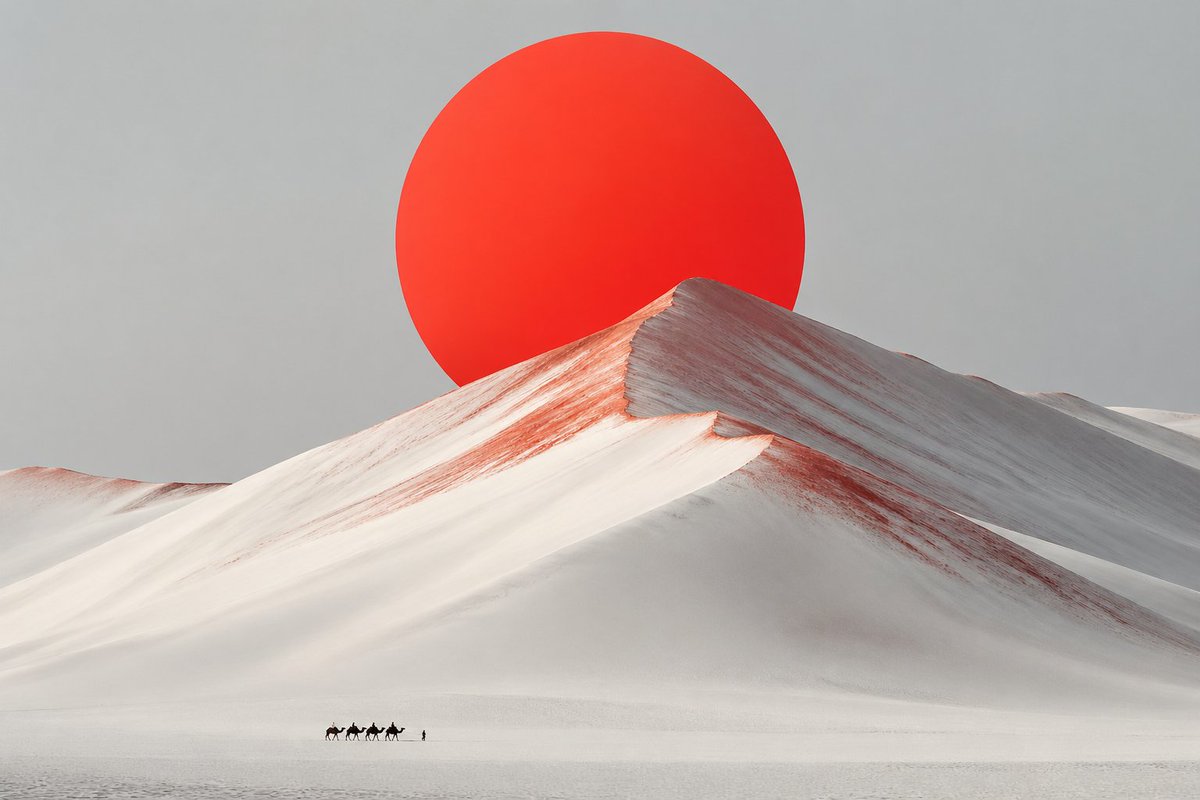
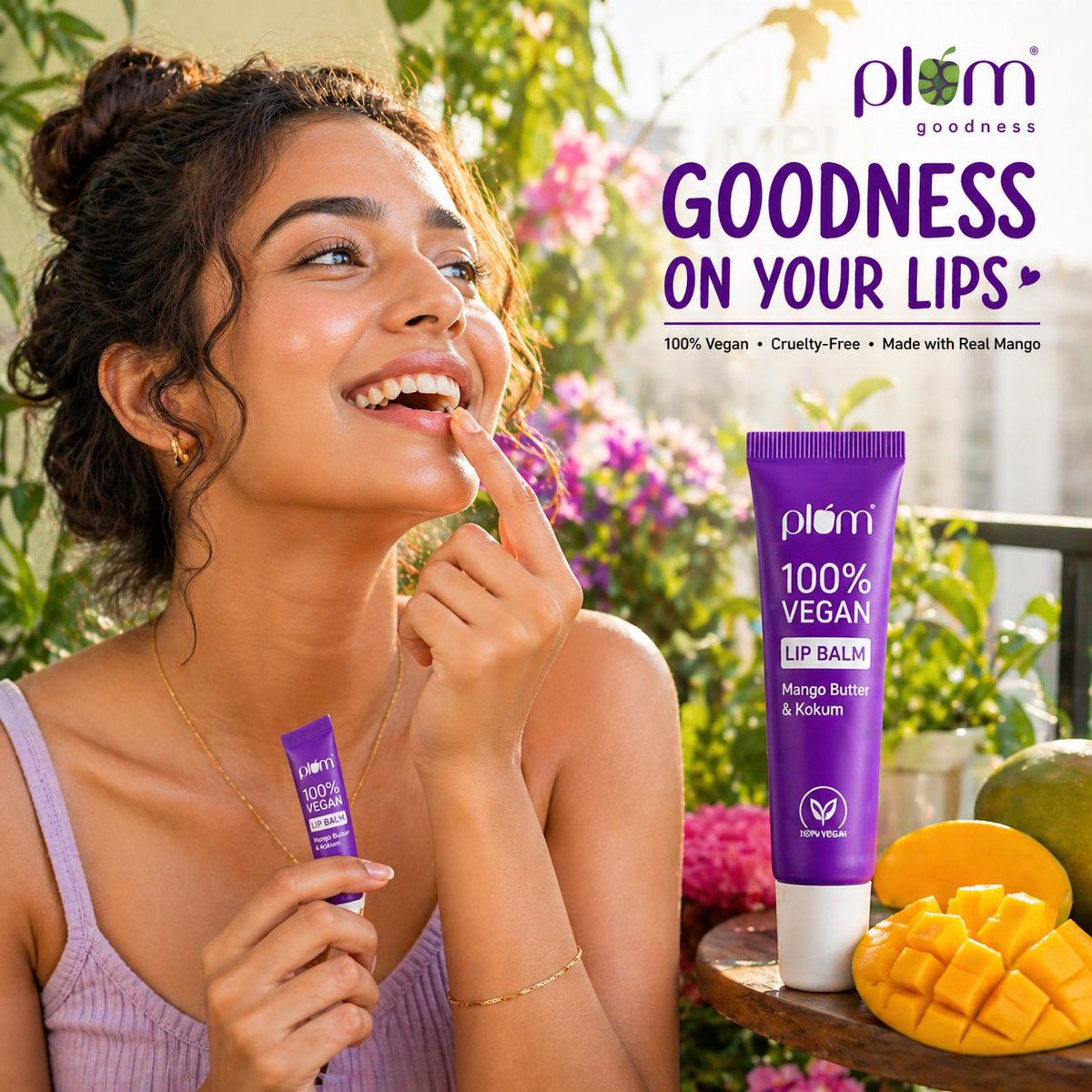
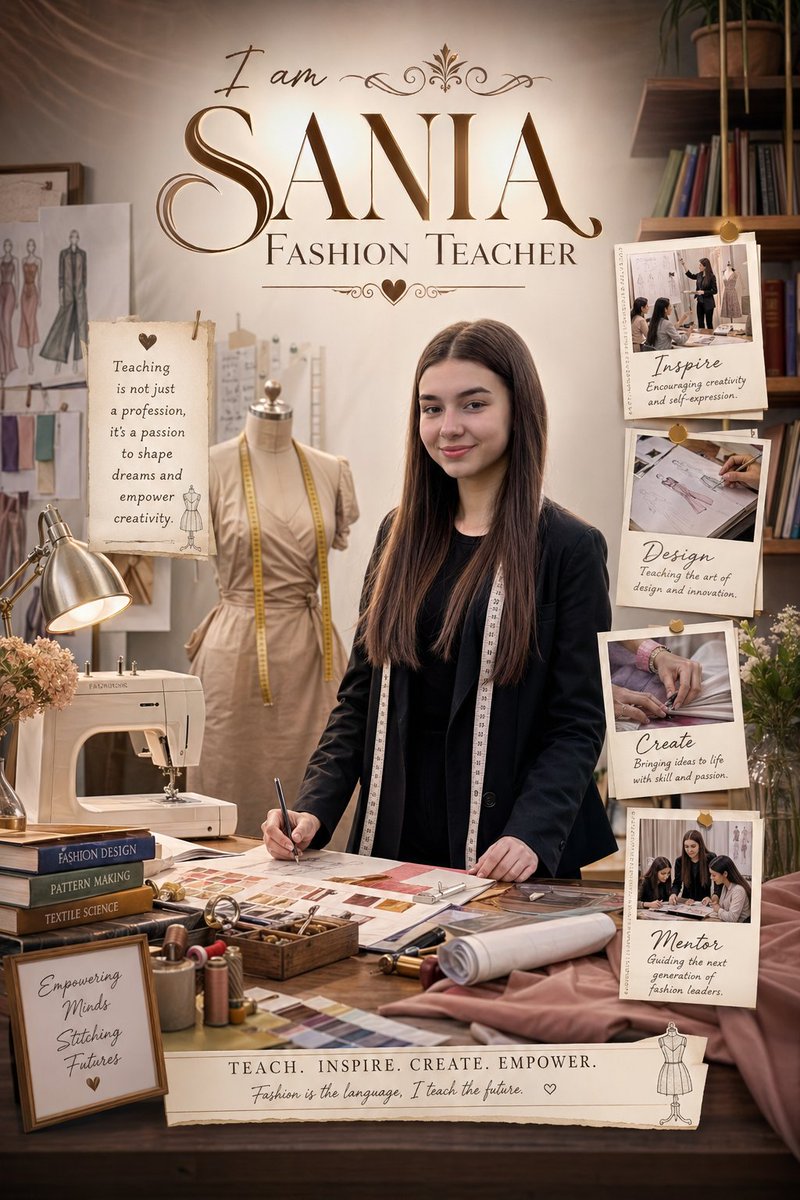


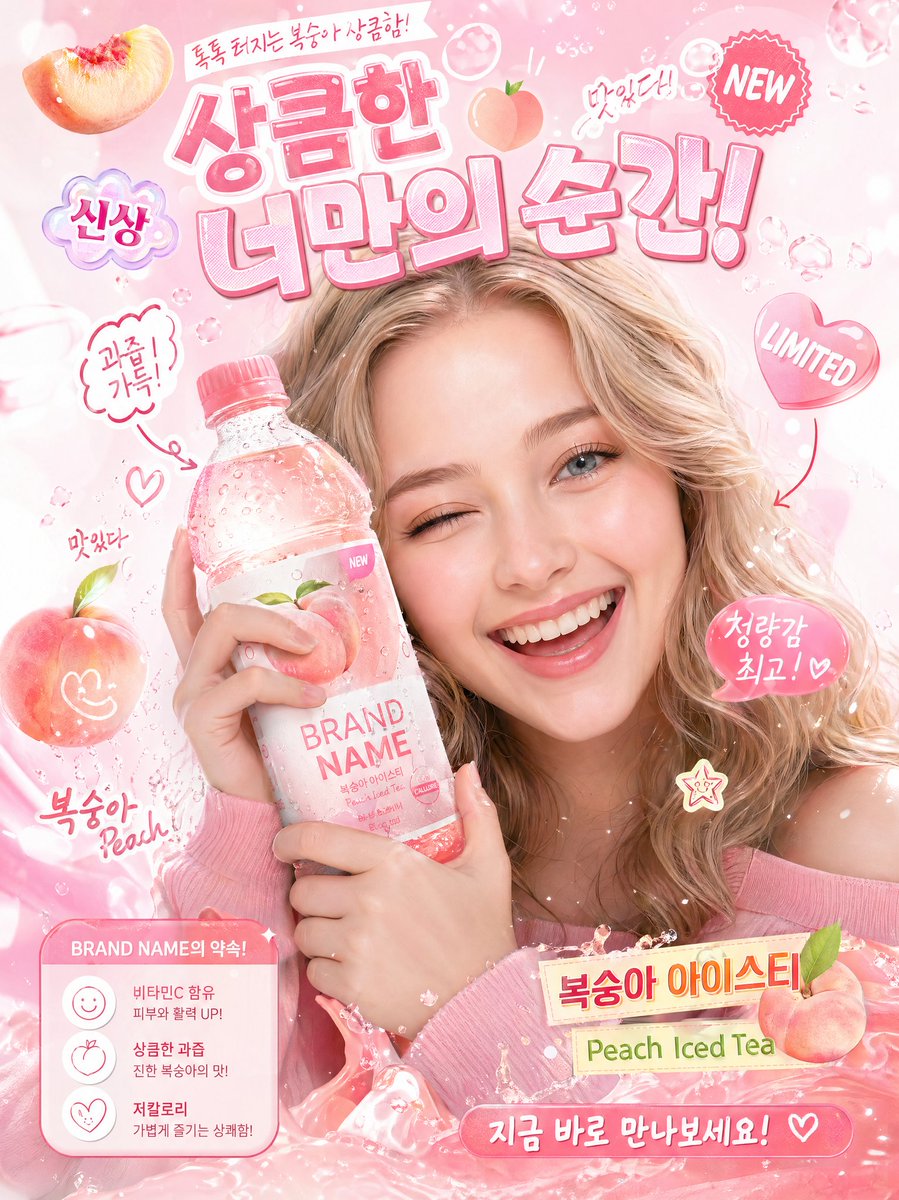

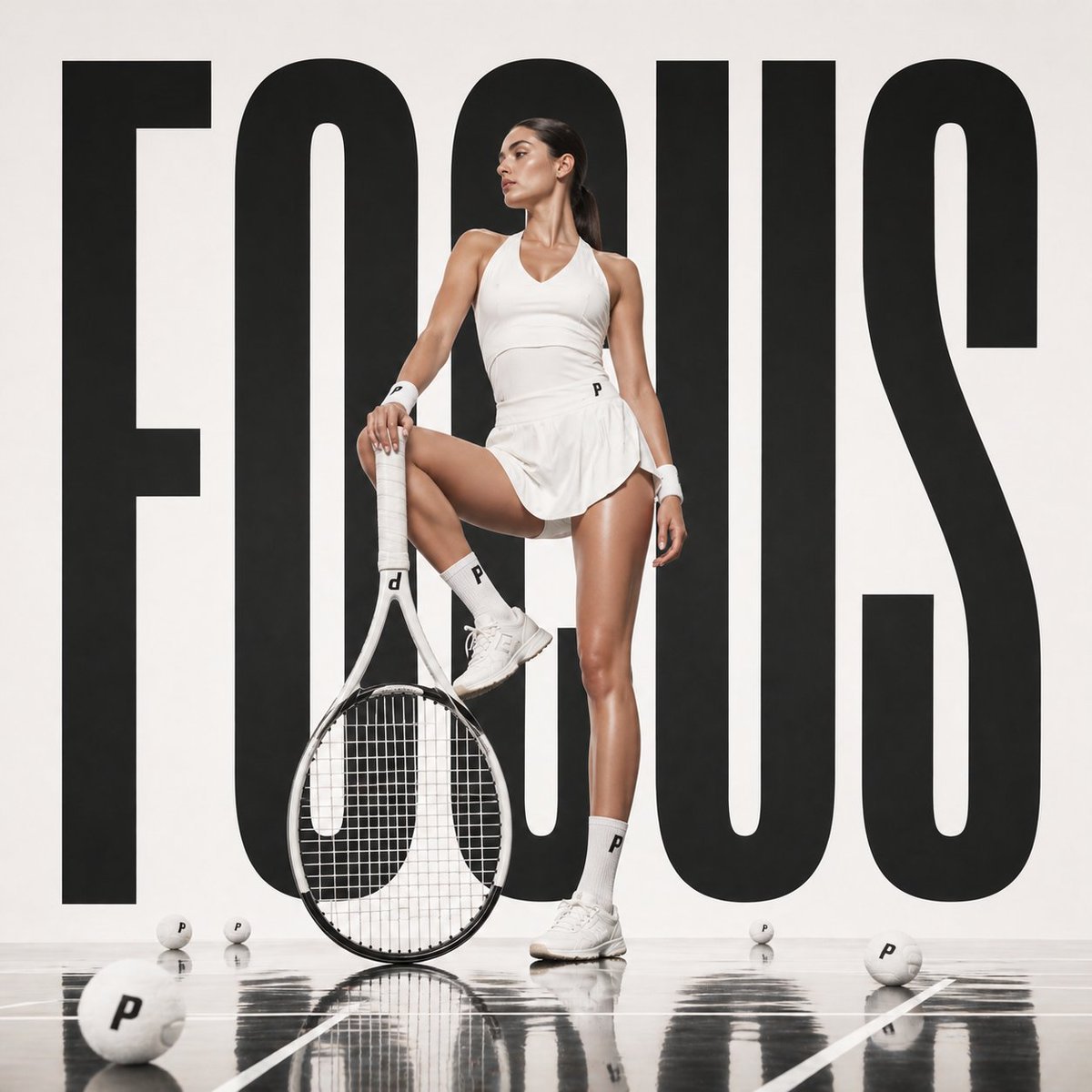
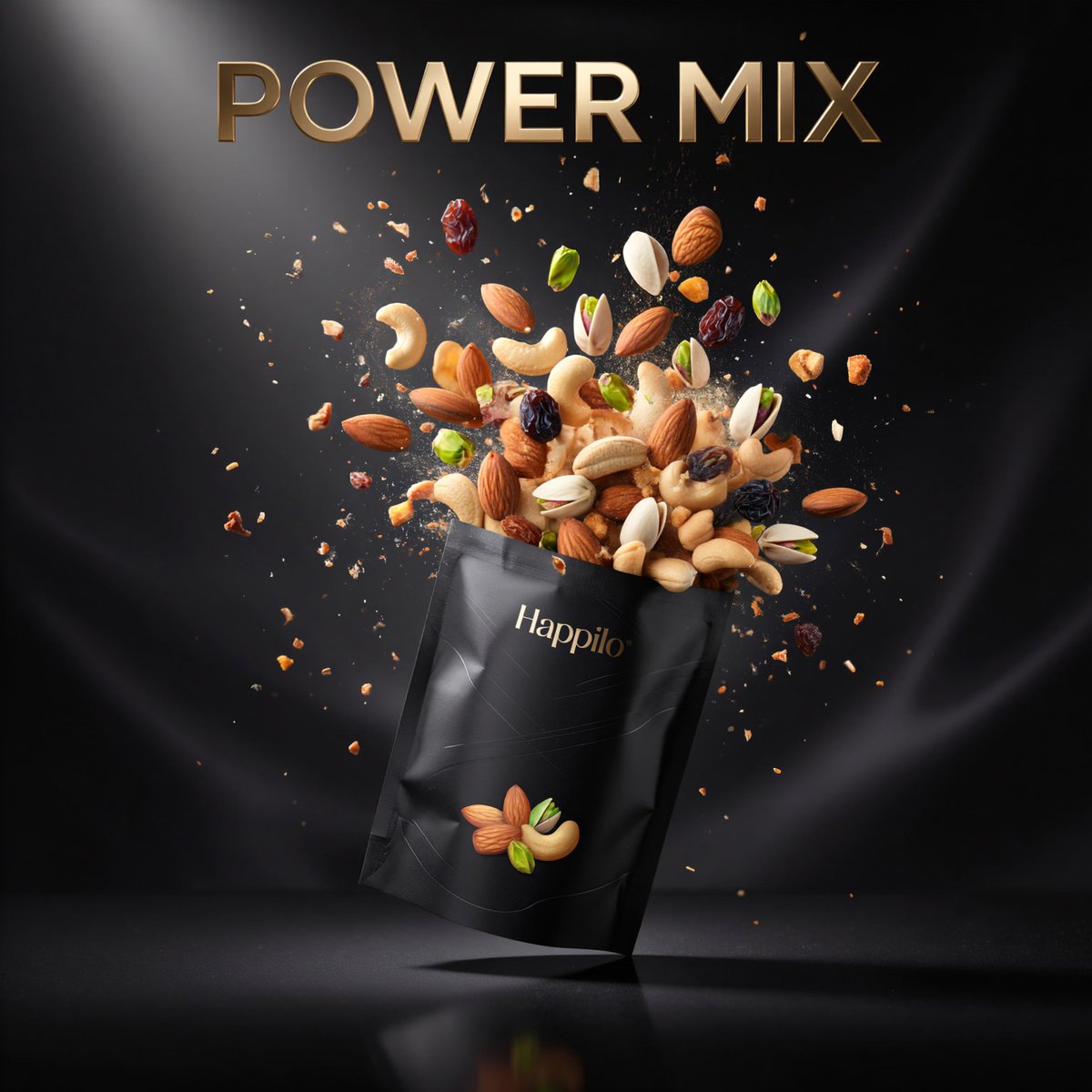
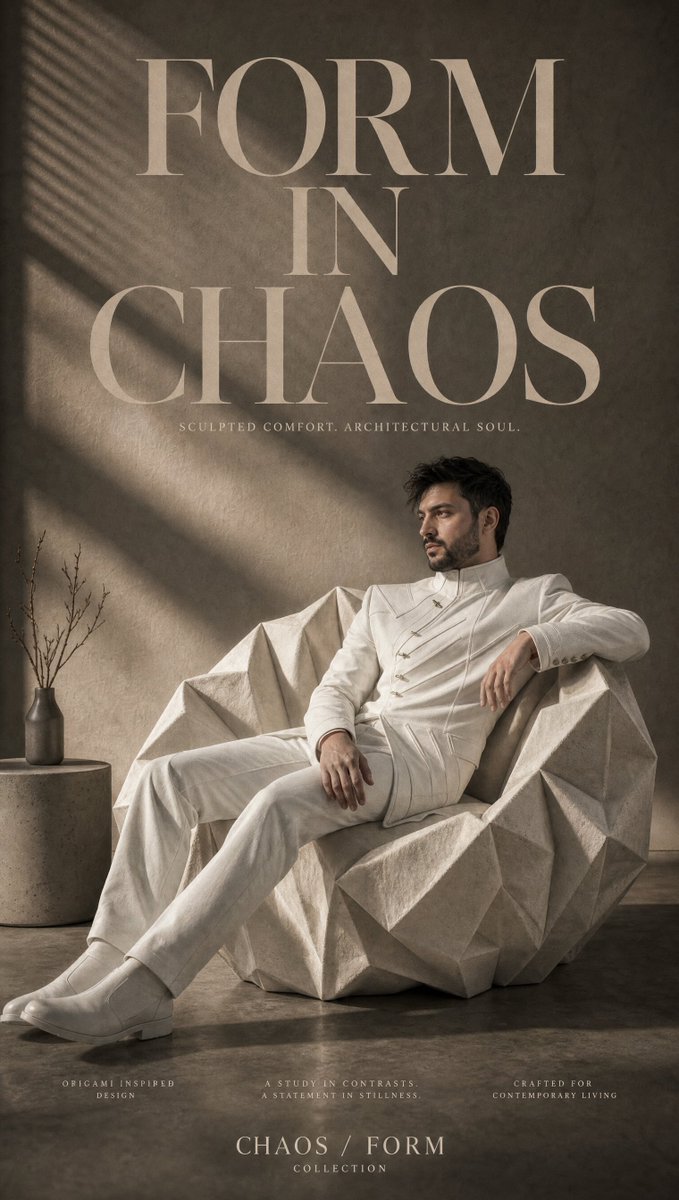
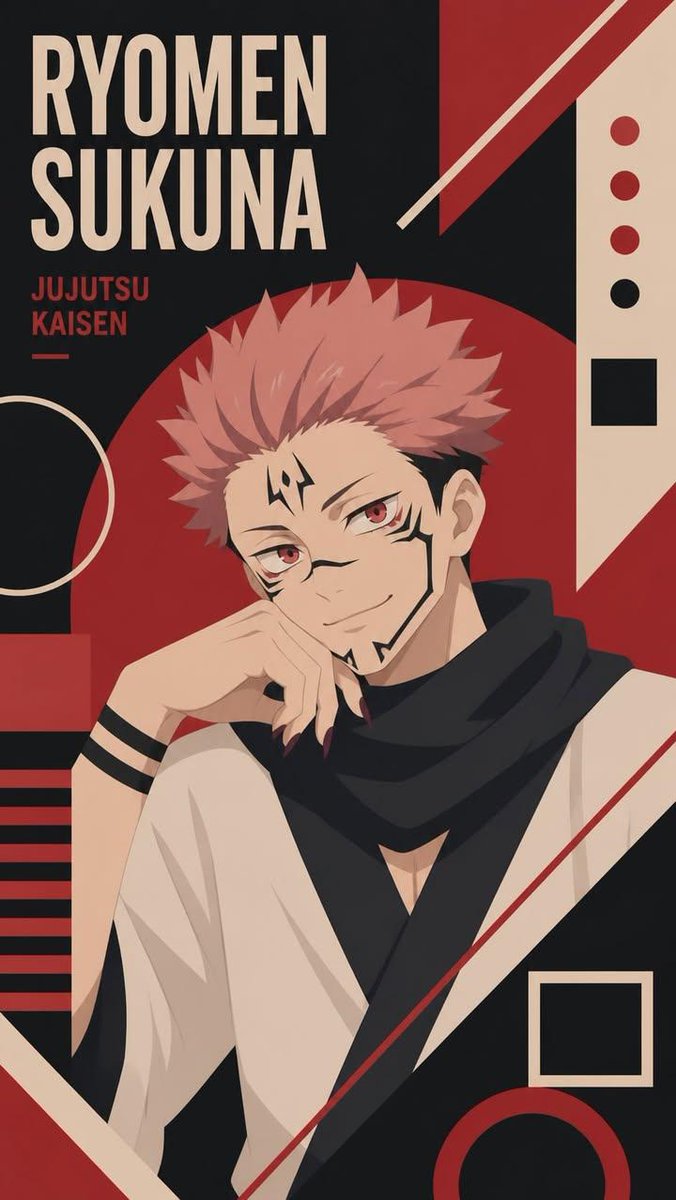

Five thousand plus entries hand picked from working creators. No filler, no recycled stock photos.
Press Run and the dock loads GPT Image 2 by default. Swap to nano banana, Flux, Seedream or Google Gemini with a single chip.
Editors track viral effects and ship new entries within days. Retired or broken strings get cut.
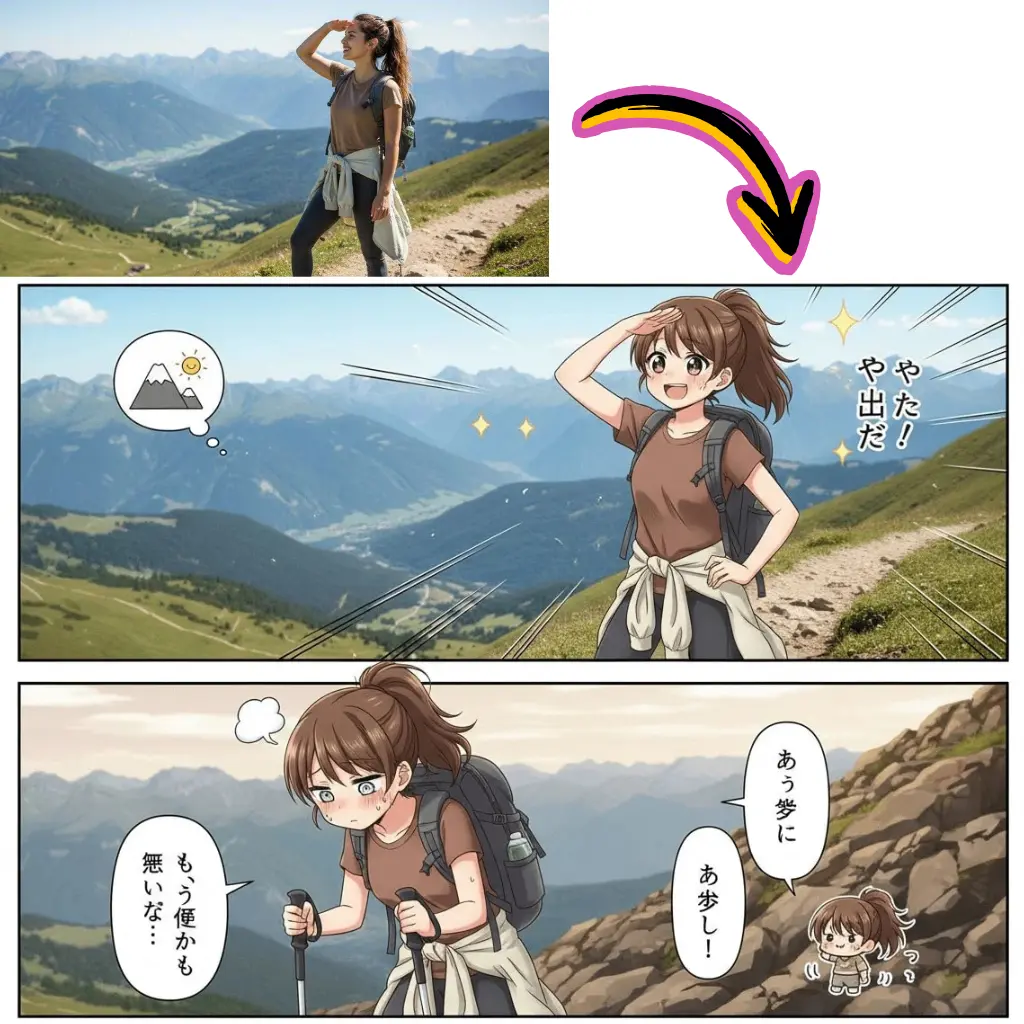
Each card opens to the exact words a creator pasted. No paraphrase, no half cropped tails, no inspired by hand waving.
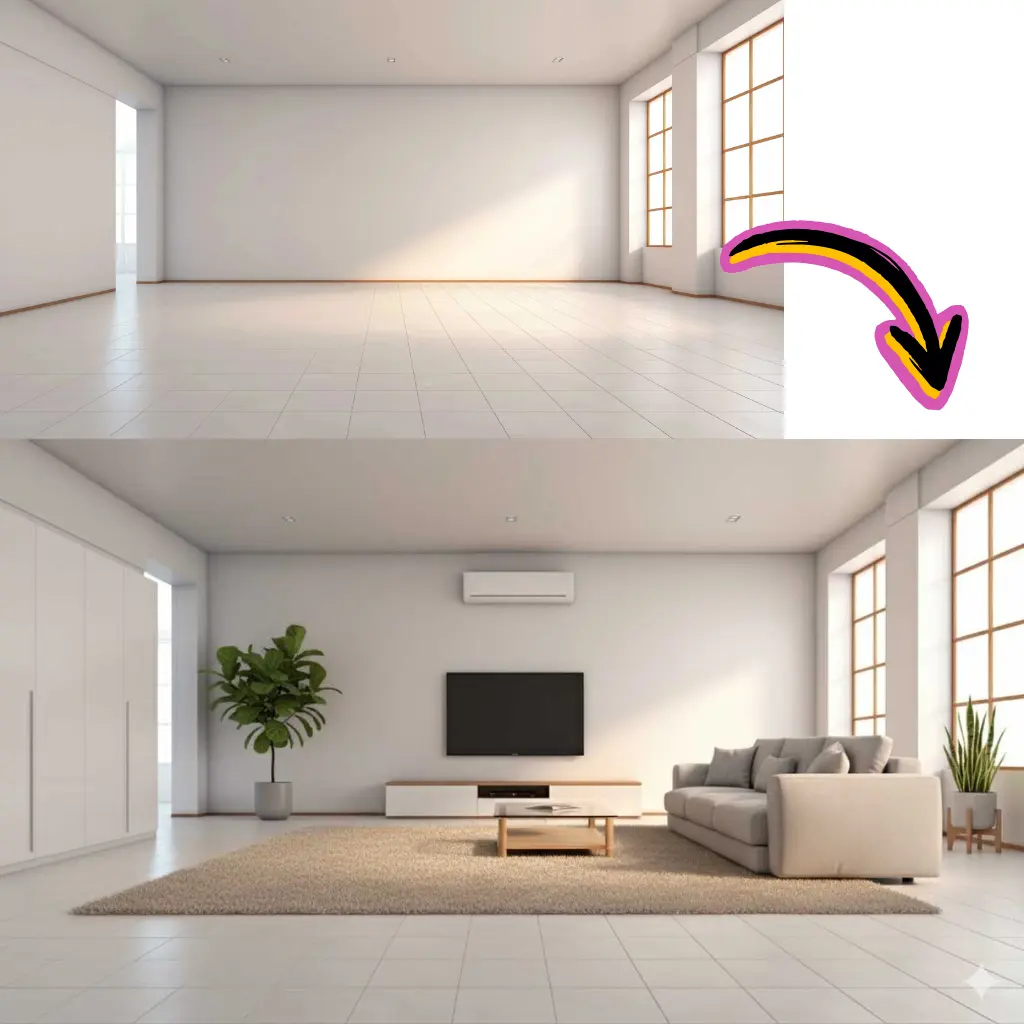
A small editorial team chooses each entry from working creators. Anything that fails to reproduce gets dropped before it reaches you.
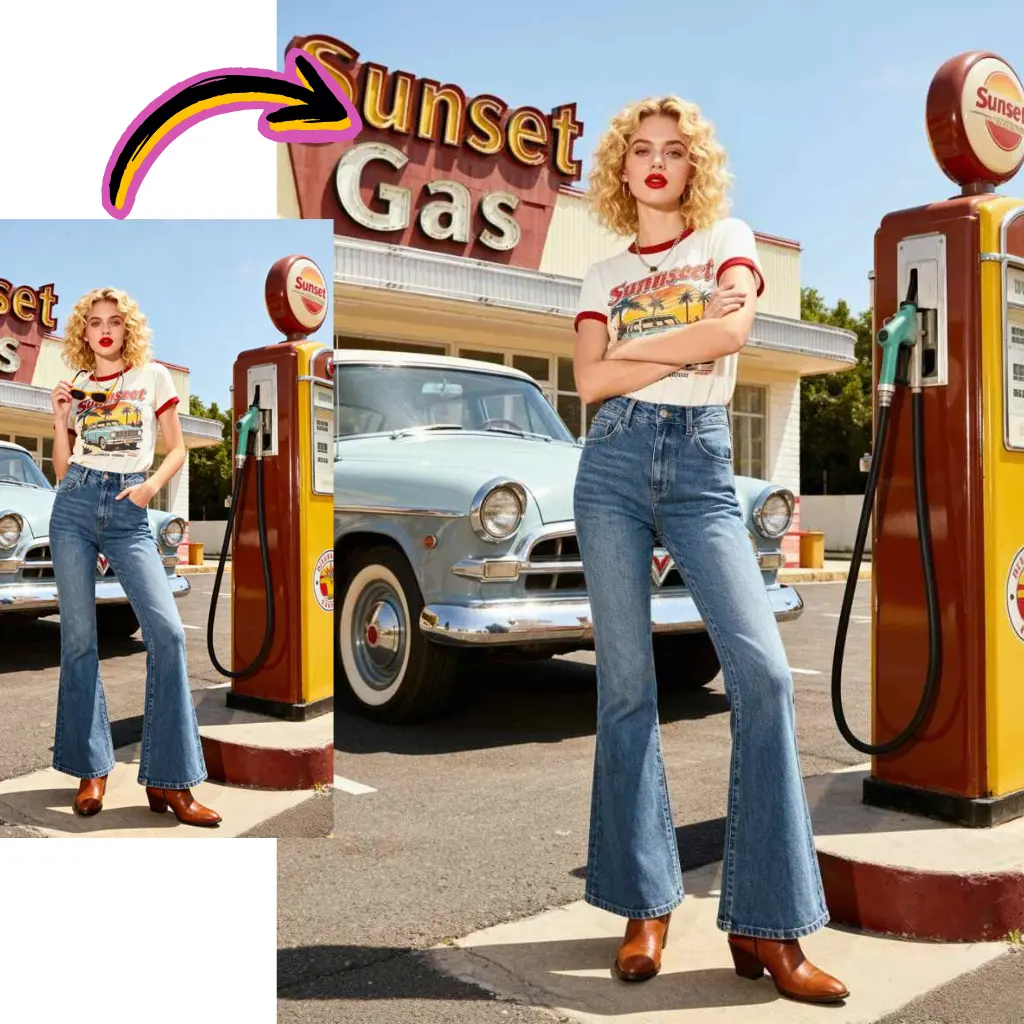
The dock slides up at the bottom. Tap Run and your text fills GPT Image 2 right here, no tab hopping.
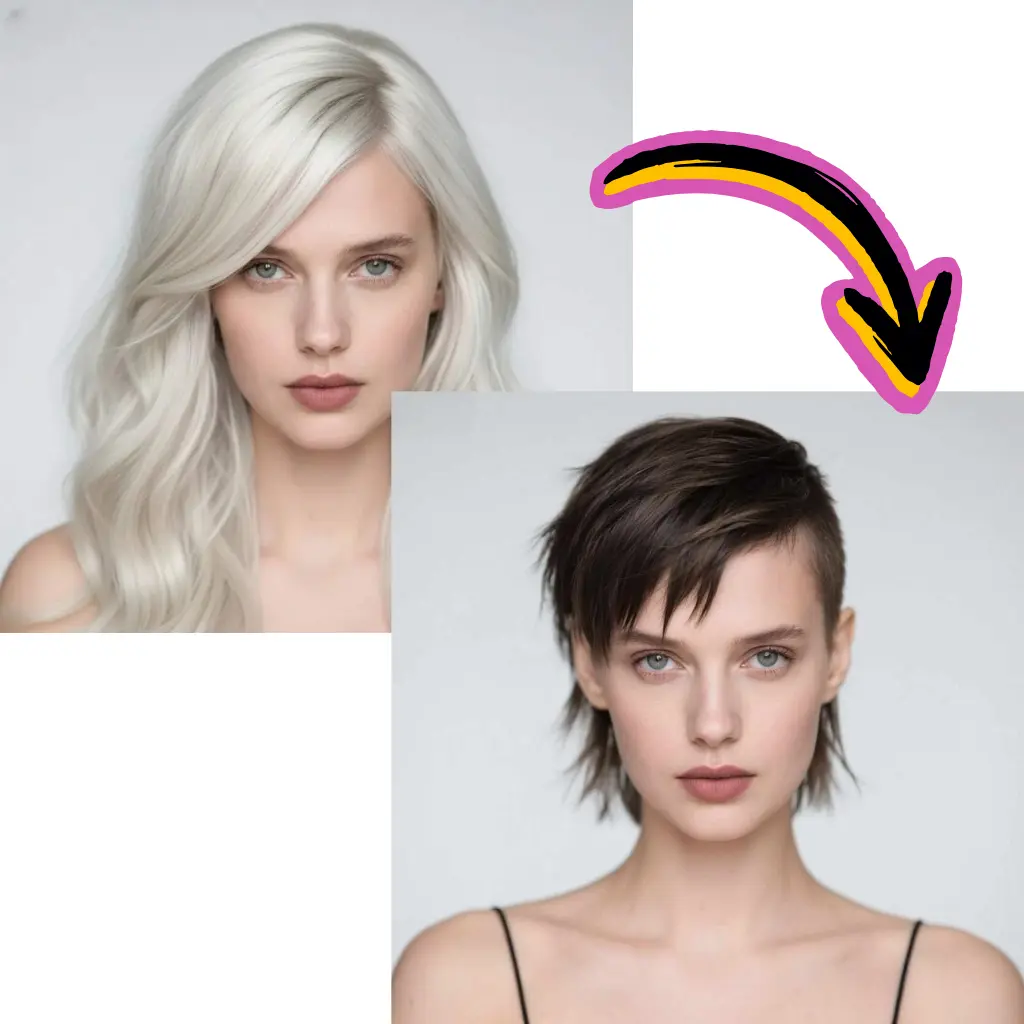
Roughly a third of viral strings start in Chinese, Japanese or Korean. One tap rewrites them in your locale while keeping syntax intact.
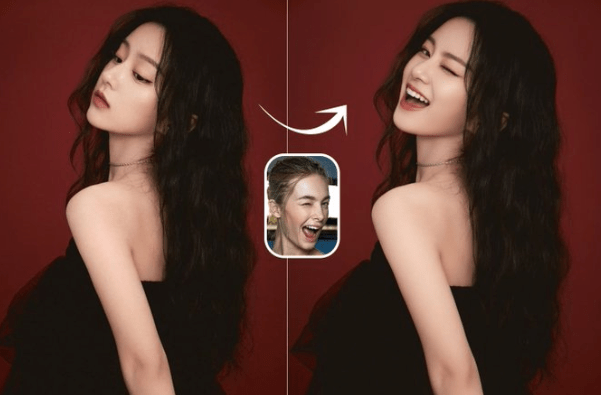
A nano banana string can flop on Flux. Each card is tagged with the engine the author used, and Run routes there first.
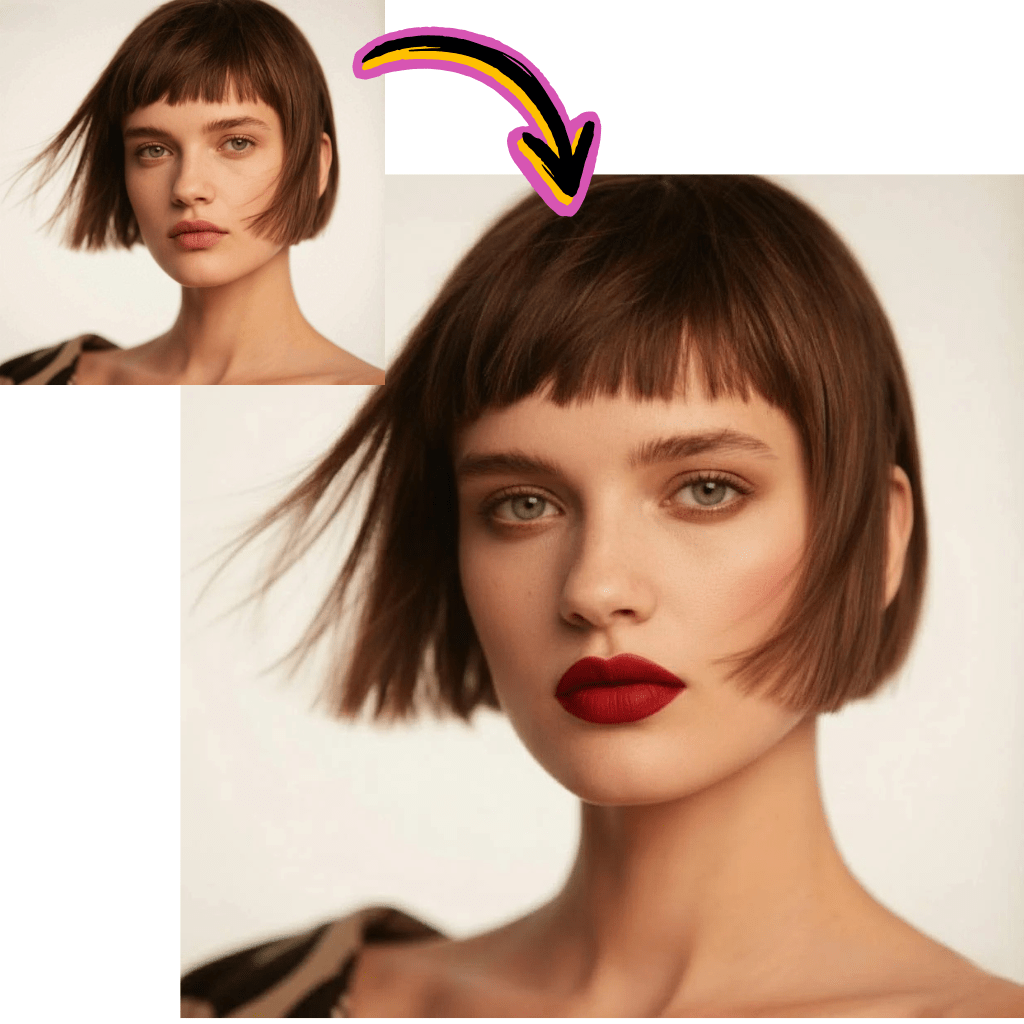
Copy any string without an account. New users get thirty starter credits to render across every routed engine.

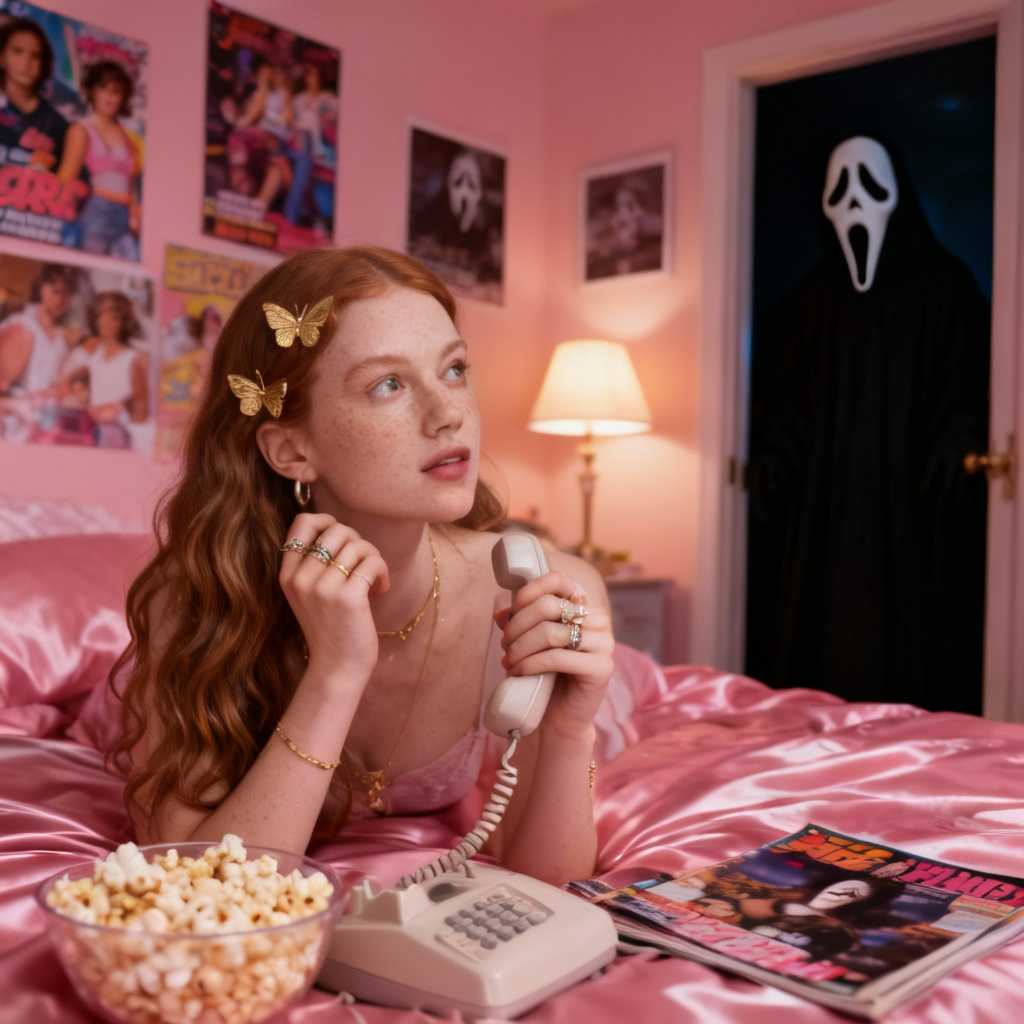
You land in a masonry stream of real renders. Filter by Portrait, Cinematic, 3D, Product, Anime, Cyberpunk and more, or search by keyword.
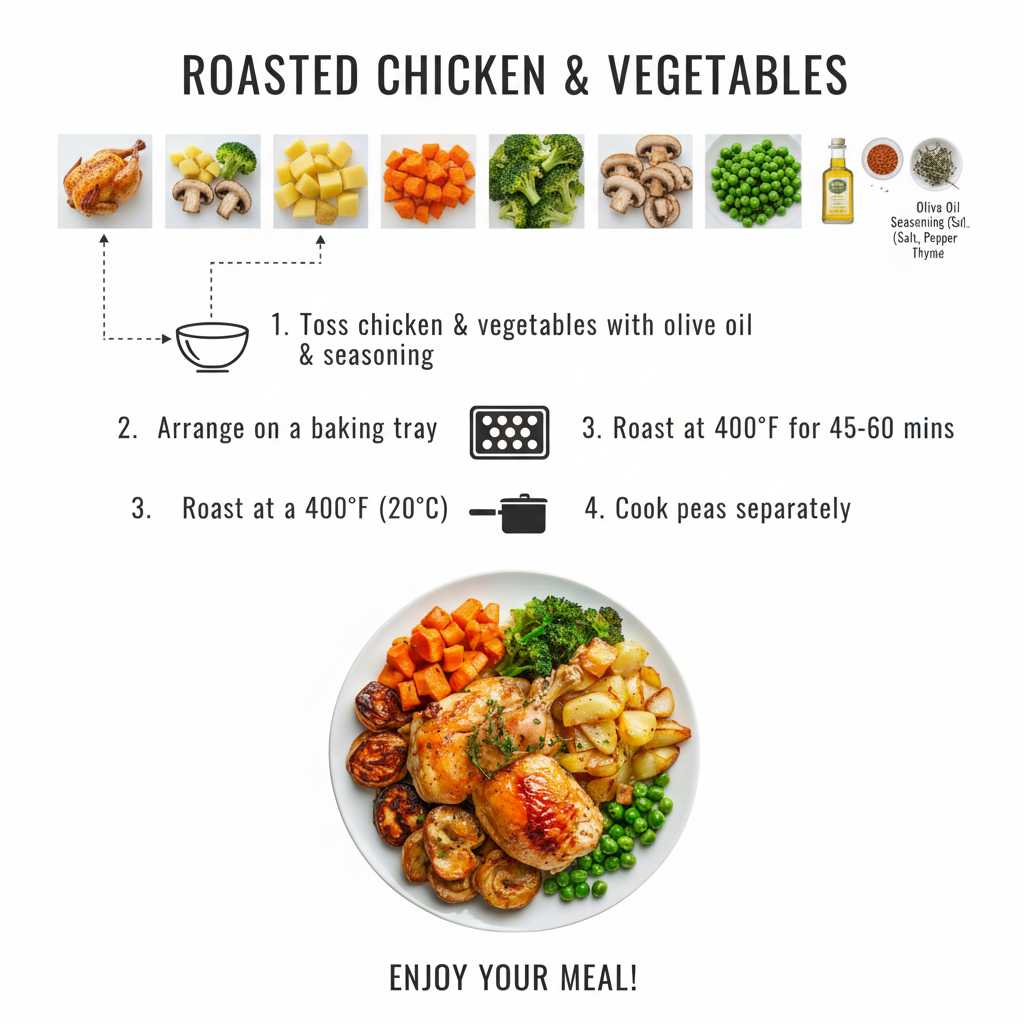
Tap any tile. A modal shows the full text, the engine that produced it, a source link, copy, and a translate switch.
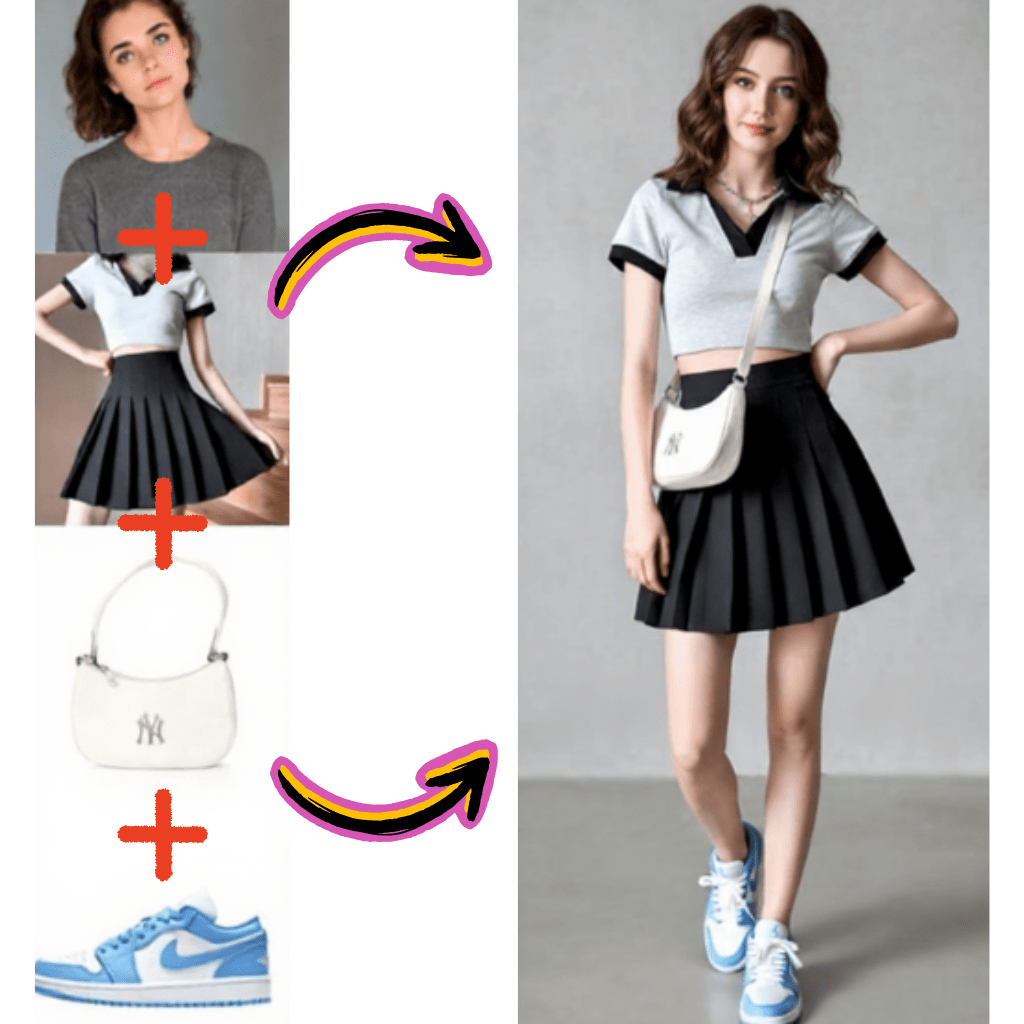
Press Run. Your text fills GPT Image 2 in the dock and renders in seconds. Swap engine, aspect ratio, or seed before pressing again.
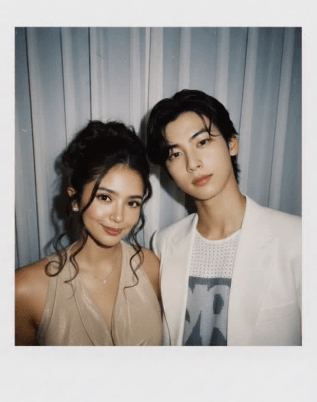
Save the standard preview free, unlock a no watermark high resolution copy with credits, or share straight to social.
Cards load eighteen at a time and prefetch the next batch. Flow never stalls.
Twenty plus categories pin to the top of the viewport. Switch context without losing scroll position.
Type fisheye, glamour, polaroid, or any trigger token. Search runs across body, tags and engine attribution.
Open any card, copy the full string, paste it anywhere. Nothing blurred, nothing gated.
The dock loads GPT Image 2 first because it parses descriptive sentences cleanly and renders text in image reliably.
Route Run by category. Nano banana for figurines, Flux for cinematic, Google Gemini for natural briefs, Seedream for stylized portraits.
Sixty plus reading languages. Weight tags, trigger words and aspect ratio parameters survive the rewrite.
Editors watch X, Reddit, Xiaohongshu and lab showcases. Hot effects land tagged under Trending.
A taste of what sits inside the feed. Every tile leads into hundreds of working entries.

Editorial headshots, studio glamour, viral childhood looks, character concepts. Cards spell out lighting, lens and styling.

Anamorphic widescreen, Kodak film stock, golden hour, neon noir. Strings written by creators who understand camera language.
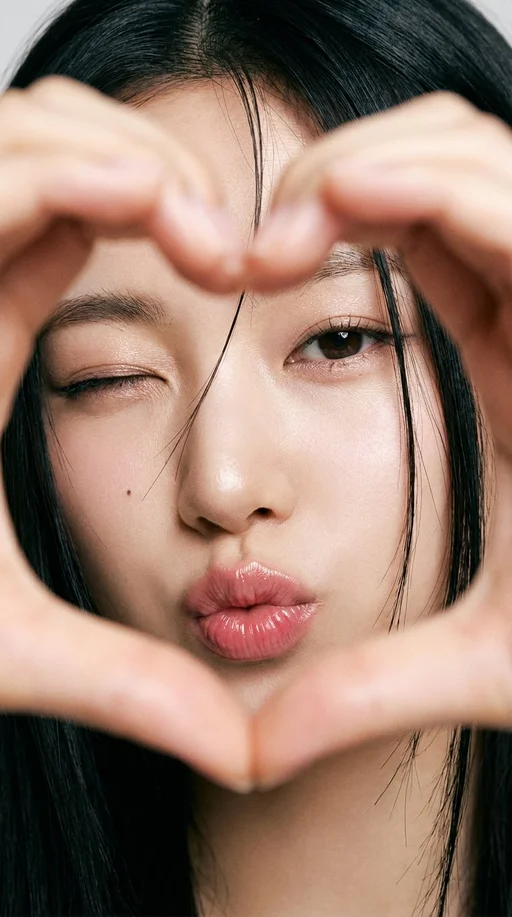
Packshot on white, lifestyle scene, cosmetics on satin, food on marble. Entries that convert on Shopify, Amazon and DTC pages.
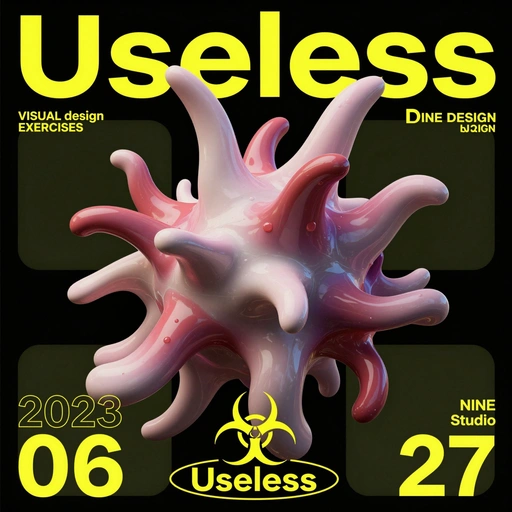
Viral toy figurines, plasticine claymation, Pixar style 3D, blind box collectibles, isometric dioramas.
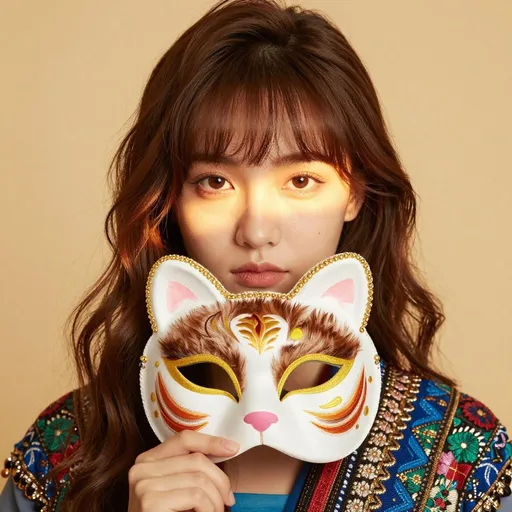
Studio anime cels, manga linework, Ghibli watercolor, sumi ink, chibi sticker pack. Entries that respect line weight and color blocking.
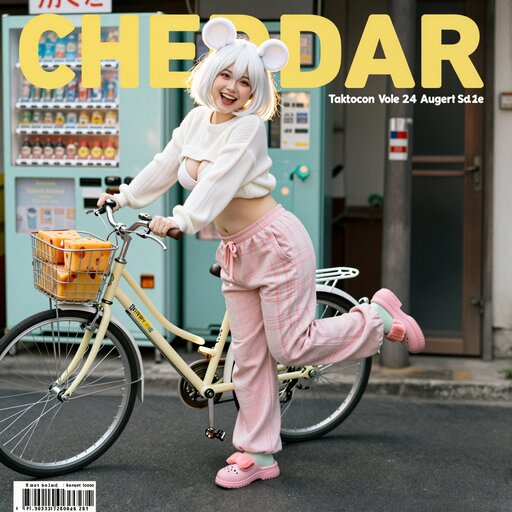
Neon cityscapes, biopunk creatures, dreamlike interiors, brutalist architecture, vaporwave boards.
5,000+
Curated meigen ai prompts from real creators
20+
Categories from portrait to cyberpunk
GPT Image 2
Default routing engine inside the dock
Weekly
Fresh viral drops added to the feed
60+
Languages supported by per card translation
<3s
Median time from tap to render
Hina Tanaka
Editorial illustrator, Tokyo
I open meigen ai every morning. Translate makes Japanese and Korean strings readable, and Trending shows me what is actually viral, not what an algorithm guesses.
Mateo Alvarez
Indie hardware founder, Buenos Aires
Used to commission a photographer for every product hero. Now I grab a product card, swap subject for my SKU, render it on GPT Image 2. Catalog ships the same day.
Aisha Okafor
Brand director, Lagos
Client mood boards used to take a week of back and forth. Six cards from the right category tab, dropped into a deck, the client picks one. Done in a single call.
Liam Walsh
Content creator, Dublin
My weekly AI roundup used to need three hours of source hunting. Trending here surfaces what is actually catching on. Three hours down to thirty minutes.
Yui Saito
Concept artist, Osaka
What I appreciate most: nothing hides behind a paywall. The literal text is there, I learn syntax from real authors, and the engine tag tells me where the string was tuned.
Noah Rivers
Game dev, Portland
Character mood boards used to live in twelve Notion pages. Six cyberpunk cards, render on GPT Image 2 with my subject swapped, attach to the task. Team picks one in fifteen minutes.
Meigen ai is a curated gallery of prompts that already shipped on real engines, paired with a one tap generator that renders your version inline. No theory course, no account wall, no waiting for an export.
Pinterest shows pretty pictures with no usable text. Meigen ai shows the literal prompt beside the render it produced, with a Run button right under it. You learn syntax from real authors instead of bookmarking dead ends. Think of it as an ai pinterest that hands you the recipe, not just the photo.
Right here. Every entry is free to read, copy and translate without an account. A free Google sign in only kicks in when you press Run, because rendering consumes compute on our side and we attribute that to a user.
GPT Image 2 parses descriptive sentences cleanly and renders text in image more reliably than most alternatives. The default makes one tap Run land more often. Swap the engine chip if a card was authored for nano banana, Flux or Google Gemini.
Yes. Open any card, press Run, then change the engine chip in the dock to nano banana. The same text routes there. Cards authored on nano banana already default to that engine, so banana prompts ship the right way without a manual switch.
No, and the gallery is upfront about that. Each entry is tagged with the engine its author tuned. A prompt that lands on Google Gemini can underperform on Flux because the two parse syntax differently. The dock lets you A B in seconds without retyping.
Standard previews downloaded from the dock are free to use, including for commercial work. High resolution downloads without a watermark consume credits, available as a one off top up or a monthly plan. We claim no ownership over what you generate.
Daily curation plus weekly trending drops. Editors monitor X, Reddit, Xiaohongshu, Discord and lab showcases. New viral effects typically land within days of breaking, tagged under the Trending filter so you can sort by recency.
Yes, into sixty plus languages. Roughly a third of trending entries originate in Chinese, Japanese or Korean. Tap Translate and the body switches to your locale while preserving weight tags, trigger tokens and aspect ratio parameters.
No. Browsing the gallery, opening cards, copying the full text and translating are all free without sign in. Sign in only happens when you press Run, because rendering an image costs compute.
Prompthero is broad and excellent for general AI art browsing. Higgsfield focuses heavily on motion. Meigen ai is narrower: a curated still image gallery paired with a one tap dock that defaults to GPT Image 2. The literal text is always visible, never gated, never trimmed.
Indirectly, yes. Render the still first inside the dock, then feed it into a video engine such as Kling, Runway or Veo for motion. A sibling video prompt gallery is rolling out under the Video Prompts tab if you want strings authored for motion engines directly.
Engines parse syntax differently. Nano banana respects trigger tokens, Flux respects long descriptive blocks, GPT Image 2 respects natural sentences, Seedream respects stylized adjective chains, Google Gemini respects structured briefs. Each tag tells you which engine the author tuned for.
Yes. Entries here are plain text and portable to any chat assistant. Paste a card into ChatGPT, Grok, Claude or Gemini for rewriting, brand safety editing, or translation, then return to the dock and Run the original or your tweaked version.
Banana prompts and gemini prompts are subsets of the same library. A string authored on nano banana lands in the Banana tag; one tuned for google gemini lands under Gemini. We treat them as filterable engine tags rather than separate galleries.
For image to image work the string carries the change instruction rather than a full scene. The card tags the source image, the desired edit such as relight, restyle, swap subject, or replace background, and the engine that handles that category best.
Yes. The masonry feed, category filter, search, modal, copy, translate and generator dock are all built mobile first. The dock collapses to a single row on small screens so Run stays one tap away, even mid scroll.
Open the search bar and type the look you want. YourMind leans editorial and surreal; Imagine AI leans portrait and cinematic. Filter by those tags on meigen ai, then sort by Trending to surface what creators are remixing this week.
Yes. Sign in and use the heart icon on any card to bookmark it. Saved entries appear in your library so you can return to them later without searching again. Bookmarks sync across devices.
First, swap to the engine listed on the card. That is the biggest factor. Second, check that your seed, aspect ratio and step count match the dock defaults. Third, try a small subject swap. Some entries are tuned tightly around the author's subject, and overgeneralizing breaks them.
Yes. Photo editing entries live alongside text to image cards under tags such as Editorial, Restyle and Product. The dock can route them to engines that handle image to image edits, including a nano banana edit profile and a Seedream restyle option.
Regional editing chains often spawn viral presets. When a Zayan Editz style or a Bihar preset wave gains traction, editors capture the underlying prompt template and add it to the relevant style tag. You can search by creator name or by effect to surface them.
Stuffed strings produce worse results than clean ones. Modern engines reward natural sentence flow and concise trigger tokens, while penalizing repeated tag salads. Editors reject entries that try to game the model with redundant keywords, because the resulting images rarely hold up under zoom.
Three checks. First, the render must hold under zoom across two or three rerolls. Second, the string must reproduce on its tagged engine without secret seeds or hidden parameters. Third, the source must be a real human author, not a bot generated feed. Anything failing any check stays out of the gallery.